In recent years , Websites which provides tools to edit photos in web browsers have come a long way. Instead of buying costly image editing software and installing them on your hard Drive , you can simply edit your images online without much trouble. With this online image editing tools , you can easily create all the special effects you want in your image. Even few websites provides templates for novice designers to create special effects in their photos.
Online Image Editor Features
The online Photo Editors allows users to upload images from their PC or they can also import images from photo sharing websites like Photobucket.com , flickr.com , Picasa.com , facebook.com , etc.
They provide image resizing tools which will help all webmasters to re-size images easily online. After editing images you can also upload images to the photo sharing websites or you can save in your hard drive. The following are some of the features they provide :
- Fix your photos in just one click
- Use advanced controls to fine-tune your results
- Crop, resize, and rotate in real-time
- Tons of special effects, from artsy to fun
- Astoundingly fast, right in your browser
- Awesome fonts and top-quality type tool
- You can even create an animation (Animated GIF)
- Works on Mac, Windows, and Linux
- No download required, nothing to install
12 Free Online Image Editors
These Online image editors are either built on flash or HTML. These editors make use of simple AJAX techniques to prevent reloading of pages. And you don’t need latest version of flash to run this image editors.
Fotoflexer
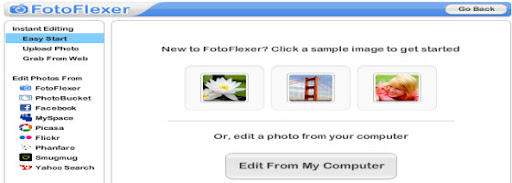
FotoFlexer is a advanced online digital photo editor. It performs advanced effects which are previously available only to professionals using expensive software. FotoFlexer is based on Flash and you can upload image of any size. It Handles multiple layers with grace. It also Includes advanced features like curve tweaks and intelligent lassoing for free.
Flauntr
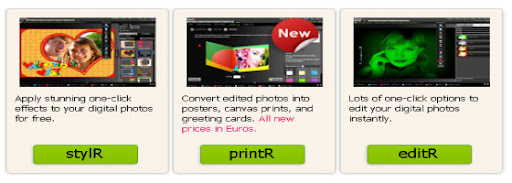
Flauntr is also a free Online image editing tool. With flauntr you can apply stunning one-click effects to your digital photos for free. Convert edited photos into posters, canvas prints, and greeting cards and also lots of one-click options to edit your digital photos instantly. However it doesn’t have layers support.
Online Image Editing tool : Photoshop

Photoshop is the latest iteration of Adobe which has got a huge boost with support for the large images coming out of today’s high-megapixel cameras. It is fully based on Flash and image upto 10MB size with maximum resolution of 6000×6000. Once can preview the editing features in real time. It also runs on Adobe’s latest and greatest Flash technology.
Phixr Online Photo Editor
Phixr is an HTML based image editor. It does not save your photos on its servers for very long, so you can edit sensitive images and nobody will see them. It also doesn’t provides layers support. The max resolution of image can be 1440×1080.
Phoenix Image Editor
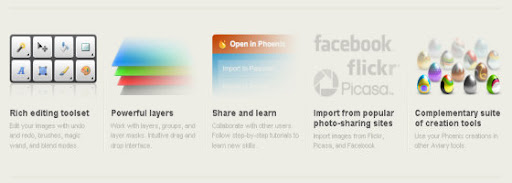
From basic image retouching to complex effects, Phoenix delivers the key features of a desktop image editor with the simplicity and accessibility of a web-based application. User can upload image of any size. It supports great layer masking, community support, and tutorials. Work from Phoenix can be sent to another editing tool in the Aviary Web suite.
Pixlr Photo Editing services
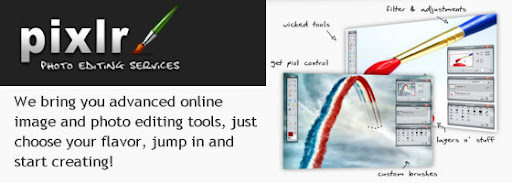
Pixlr feels a lot like a desktop application, complete with a workspace which you can rearrange and customize to your liking. It is a flash based online image editor without any upload limit for images.
Splashup
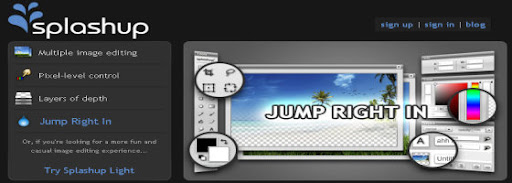
Splashup, formerly Fauxto, is a powerful editing tool and photo manager. With the features professionals use and novices want, it’s easy to use, works in real-time and allows you to edit many images at once. Splashup runs in all browsers, integrates seamlessly with top photo-sharing sites, and even has its own file format so you can save your work in progress. Layers, layer effects, filters and brushes all are available in this online editor.
Picnik : Photo editing made fun
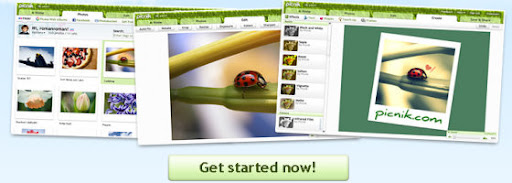
Picnik is the default photo editor for Flickr, very slick interface. Picnik makes your photos fabulous with easy to use yet powerful editing tools. Tweak to your heart’s content, then get creative with oodles of effects, fonts, shapes, and frames. It’s fast, easy, and fun.
Picture2Life : Edit, Collage, Animate and Share
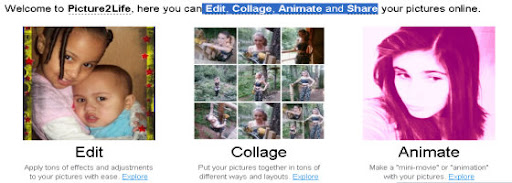
Picture2Life enables you to do what you really want with your pictures. Some of the things you can do include editing, creating collages or animating your pictures. Its super easy to use and best of all, its all free! Bring life to your pictures by adding special effects or adjustments (Brightness, Contrast, Rotate, Crop, Flip, Fade Edges, and soo much more!).
Pixenate
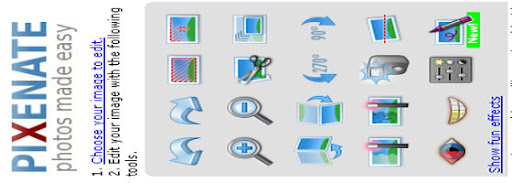
Pixenate is a HTML based Image editor , so no need for any flash plug-in.Pixenate is the photo editor of choice for photo printing and photo sharing businesses.The maximum size of image can be only 10MB and it does not supports layers support.
LunaPic Online Photo Editor
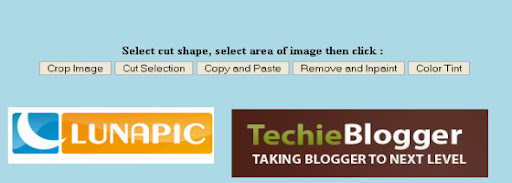
LunaPic is a free online image editor which is based on HTML.The maximum size of the image can be 4MB and It doesn’t have Layers feature. It can run on machines even without Flash installed. It has some really inventive special effects such as reflective water that ripples and fire effects.
Pixer.US

Pixer is a flash based online image editor. It has wide range of layers, filters and effects. With pixer.us you can edit your photos online using only your browser.
25+ Online Photo Modification Websites
So far i have listed sites which provide tools to edit your images. But now the following sites will create special effects in your photos. Everything will automated in this websites. You just need to upload your images , it will create all modifications automatically. You can use this sites to change, enhance and make funny photo editing without knowing program like Photoshop.
Fun Photo Box
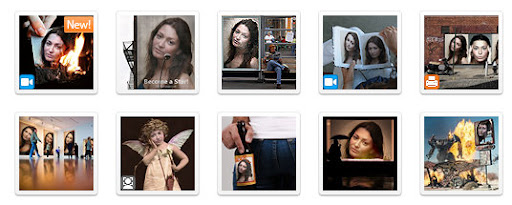
The FunPhotoBox site has free online image editing tools which can help you to create funny pictures from your photos.FunPhotoBox is a free photo editing online service.You can create Cards , Animations , photo effects and magazine covers.
PhotoFunia
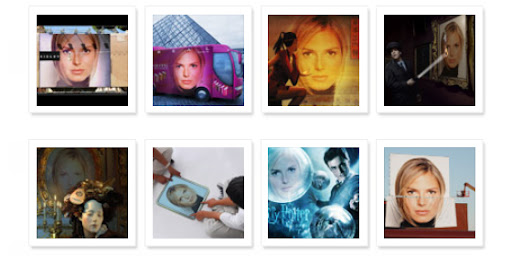
PhotoFunia is an online photo editing tool that gives you a fun filled experience. You upload any photo and just wait to see the magic. Their proprietary technology automatically identifies the face in the photo and let’s you add cool photo effects and create funny face photo montages. PhotoFunia is free and very easy to use. Just select an effect you like from over 100 different effects, upload your photo, and PhotoFunia will handle the rest for you.
PicArtia
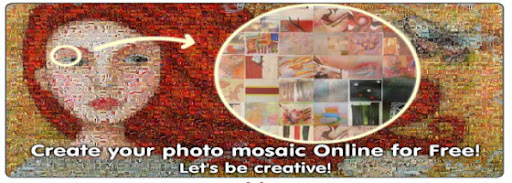
Picartia is free online Photo editing tool. With this Photo Editing tool you can create mosiac effects in your photos. You can even use it in your blogs, websites or post it as an online gift to your friends on different occasions like school gatherings or birthdays.
BeFunky
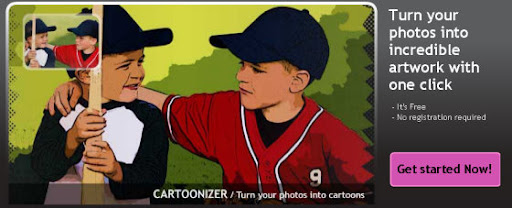
With Befunky anyone can become an artist. BeFunky Photo Effects allow users to easily create photographically rich and artistic results from their digital images without the need for any technical knowledge. With just single click , you can create your desired effects easily. It has built in templates which allows users to preview.
LunaPix : Make Funny pictures & add photo frames
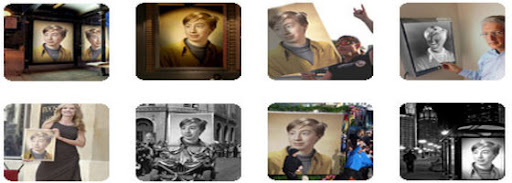
LoonaPix.com is a free photo editing online service. With LoonaPix image editing tool you can embed your face from the photo to the various templates, add photo frame or just trim it. In other words, you make your photo funny and unique. And, notice, it is easy and free!
Funny Photo
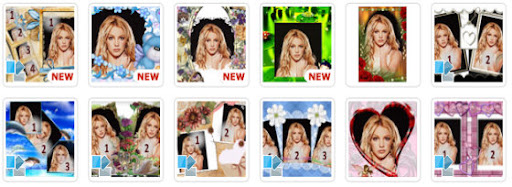
Funny Photo ! has several unique photo effects which will make you busy for sure. Their templates will make it easy to create any effect in your image with just a single click. They provide the following features :
- Paste your Photo into New Reality
- Switch the Head
- Frame your Photo
- Simple Frames
Dumpr – Photo Fun
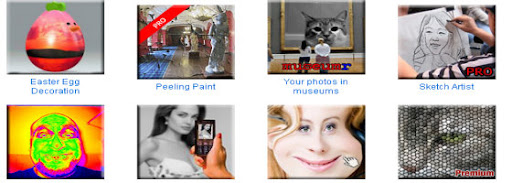
Dumpr is a free online photo editor tool which provides few unique templates and effects. Each effect has its own customizations options. You will be prompted to upload a photo (or image) from your computer. Some effects offer several variations (ie, pick a museum to hang your photos in.) When done, click Continue and your image will be processed immediately.
PhotoVisi : Create a collage with frame
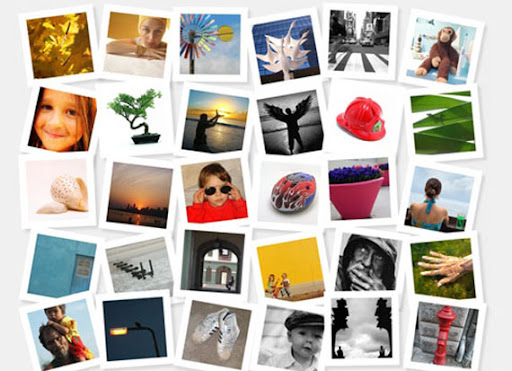
Photovisi consists of 18 photo templates. You can choose any one and create collages from Your photos as wallpapers and more.
Photo 505
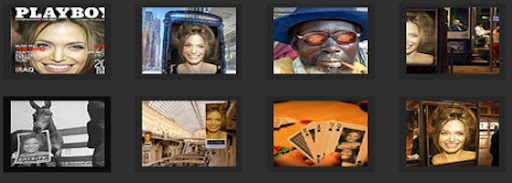
Photo505 consists of hundreds of ready made photo effects. You can create your desired effect with just single click. They provide online preview feature to let you preview your images.
Hairmixer : Online virtual hair style makeover
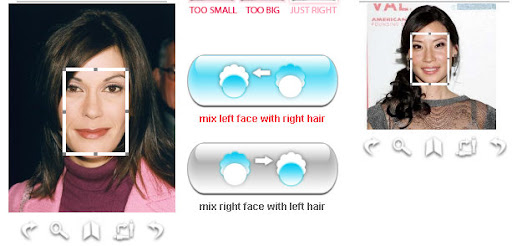
Choose from hundreds of virtual hairstyles and get a new hairstyle and hair color with just simple clicks. No need to have any experience in image editing and all.
WriteOnIt
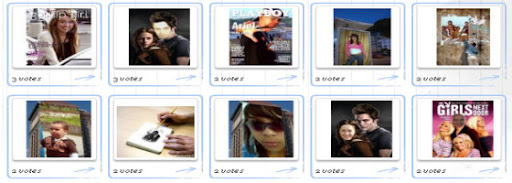
With this free online image editing tool you can easily create your photomontage, free cards, magazine cover and other funny jokes for you and your friends.
MagMyPic : Fake Magazine cover maker
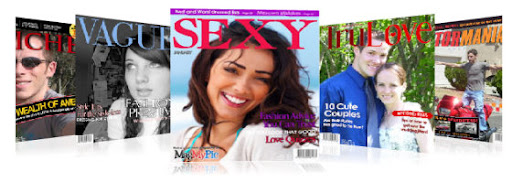
MagMyPic is a free online magazine cover maker. Put you Photos on Magazine front pages with this image editing tool. It has 30 different magazines to choose from. You can select any of them and make an impressive, unique, custom fake magazine with ease – it’s simple!
Hollywood Hair Virtual Makeover
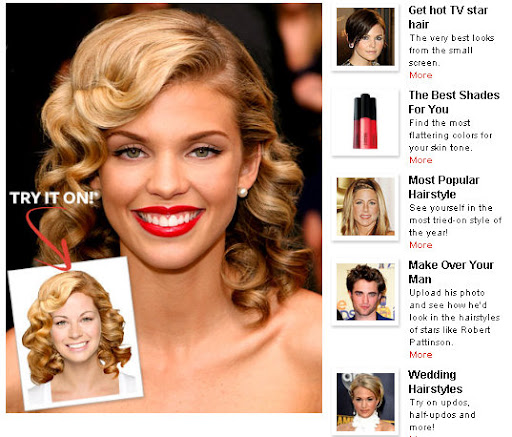
With this Hollywood virtual hair makeover you can change your hairstyle with any hottest Hollywood celebrities. You can also change you skin tone , lips color , eye color , etc with just a single click.
BigHugeLabs : Do fun stuffs with your photos

With BigHugeLabs you can create lots of special effects in your images with single clicks. You can create ad posters , magazine covers, Movie Poster, Hockneyizer , Pocket Album , etc.
FaceInHole
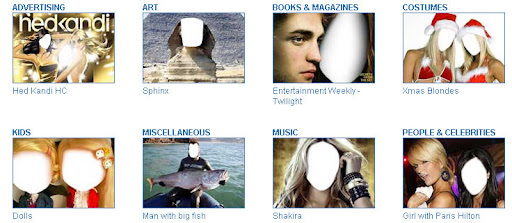
With FACEinHOLE.com you can easily create a new look for you and your friends. You just need to select a scenarioand and upload your photo. If needed adjust a photo to make it look good.
Online Personalized money maker
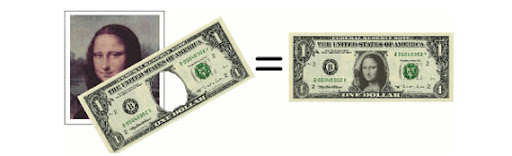
Create your own personalized money bill at the click of a mouse button.
MyHeritage Face Recognition Tool
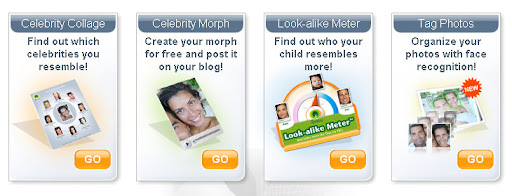
MyHeritage.com is one of the world’s first services to apply advanced
face recognition technology to personal photos and family history; and it’s free! But you need to create an account to access edit your images.
Poladroid – The easiest and funiest polaroid maker
Create easily high resolution polaroids with the help of online poladroid maker tool.
FotoTrix – Online Image Generator and editor

Fototrix have over 2,500 templates for your digital photographs! Make it look like you had your photograph taken with a celebrity or add some goofy props to spice up your photos. Give yourself an award (upload your photo, add award props like Emmy and Oscar awards) or just add a silly hat to your photographs.
Fake Magazine Cover maker
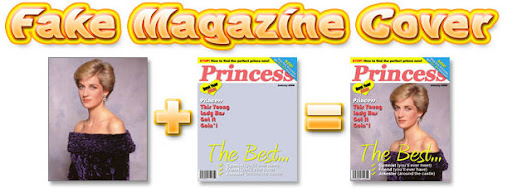
you can personalize magazine covers online (no software applications to install, just use your web browser) by uploading digital photos you have on your computer. You can put your face on the cover of many well known magazines (from celebrity gossip zines to children’s learning magazines).
Jpj Fun : Make awesome pictures with ease
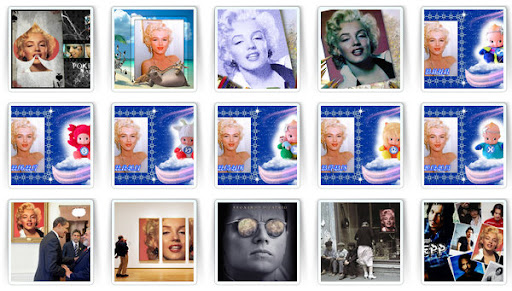
The EFFECT LIST section makes possible to imagin yourself on billbords, on newspapers, on “wanted” posters like it was in “wild wild west”, on 100 dollars bill, on the posters with famous celebrities and any any other awesome effects.
Blingee
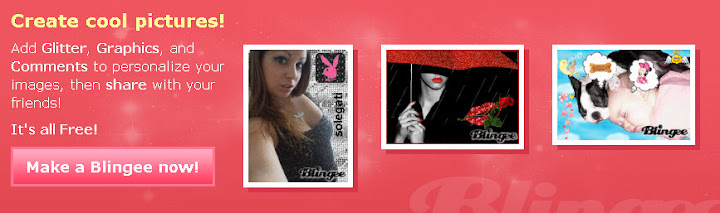
Blingee is a HTML based image editing site. With blingee you can add glitters , graphics and comments to your images online.
Pizap : Free Online Photo Editor
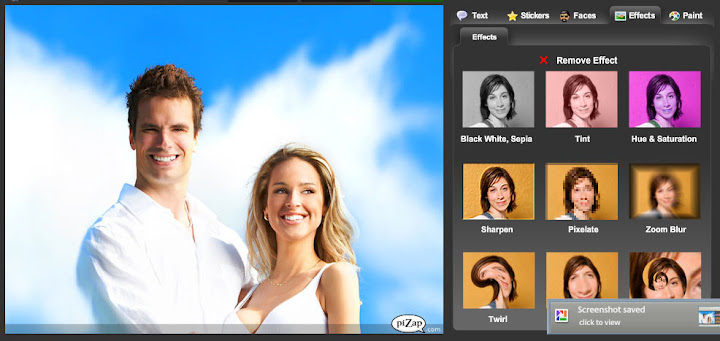
Pizap is a fun free photo editor that lets people easily create wacky images with their digital pictures. PiZap was created as a tool primarily for social networking users who want to post their images to their favorite social networking sites.
Condenet : Create Your own WIRED cover
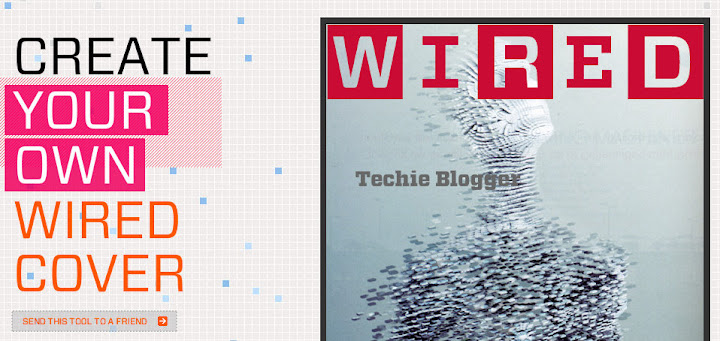
Create your own Wired magazine cover with this easy image editing tool. You can customize your headlines , borders and colors and also you can upload your favorite photo as well.
Fotocrib : Online Photo Editor
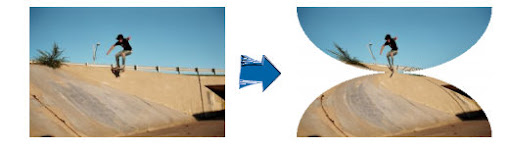
a web based photo editing service. fotocrib currently allows users to …
- Create montages
- Add 3D effects
- Encrypt photos
- Create rounded corners
- Convert between jpeg, png, gif, pdf and postscript formats
- Send photos to email recipients
PixiSnap : Create Photo Mosaics & Polaroid pictures
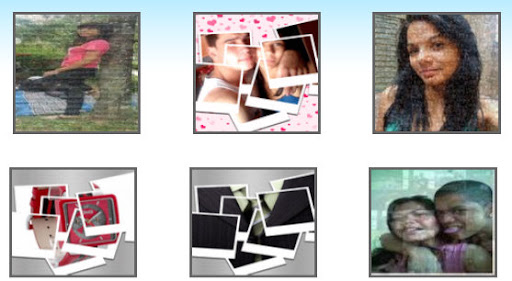
Pixisnap allows you to create your own pixisnap photos in 3 easy steps: choose a mosaic type, upload your photo and customize your mosaic art. Create photo mosaics and Polaroid pics in a snap with Pixisnap!
Turn your lifeless picture to awesome photo mosaics or cool Polaroid
and make them your desktop wallpaper or Myspace background.
Hetemeel : Dynamic Einstein picture

Hetemeel allows you to add custom text to Einstein’s image. You can change the text on the image to whatever you like. Change the text in the form below, then click on “preview image”. The text in the image will change accordingly. You can align the text with spaces and enters.


