Indian Zero Rupees Currency

Have you ever seen a Zero Rupees Indian Currency??

I am not joking. Here is the video of the Man who has Zero Rupees Notes.

Actually these notes were from the ICICI Bank ATM, and the 500 Rupees Notes were found missing

the numbers “50” for the Value "500”

ATM of ICICI bank in Powai in Mumbai dispensed Rs 0 notes to a customer. The notes were genuine as it was confirmed by the ICICI bank officials and they assured the customer that the notes will be replaced after doing the required enquiry.

Make sure that you check the notes that you get from any ATM and keep the withdrawal slip with you.

On further inspection, Gupta and Kumble realised that the discrepancy was in the notes printed in serial numbers 4FB962449 to 53. All the other security watermarks on the currency, including the value of the denomination printed in words, were intact.

Check out the video, the man shows the Currency’s.


If you enjoyed this post, make sure you subscribe to my  RSS Feeds !!

If you enjoyed this post, make sure you subscribe to my E-NewsLetter !!

Posted By: KirubaKaran
Microsoft Certified Professional

Free Anti Virus For USB Drive

Having a USB Pen drive is good for productivity because it can carry large files despites its small size. With capacity more than 8gb and fast write/copy speed, this invention has become one of the most needed computer devices for students, workers, teachers, and others to manage their digital files nowadays.

However, with the heavy usage of USB pen drive a major problem arises. Virus creators turn their attention towards this tiny device to exploit unsecured computers. Many viruses infect the pen drives and of course inclusive of the PC where it is plugged in which has Microsoft Windows operating system installed. It is made possible due to the compromised autorun.inf script file which automatically execute in company with viruses files whenever the device containing the file is plugged into Windows-based computer. Windows operating system does not disable autorun by default.

To counter this problem, there are several methods that one can use. First is to enable write protect on USB flash drive which is useful if you plan not to do any change to your USB flash drive. There’s also viruses and malware removal tool by USB’s which comes in handy. But today I’m going to cover about free standalone antivirus solution which consists of both prevention and cure approaches.

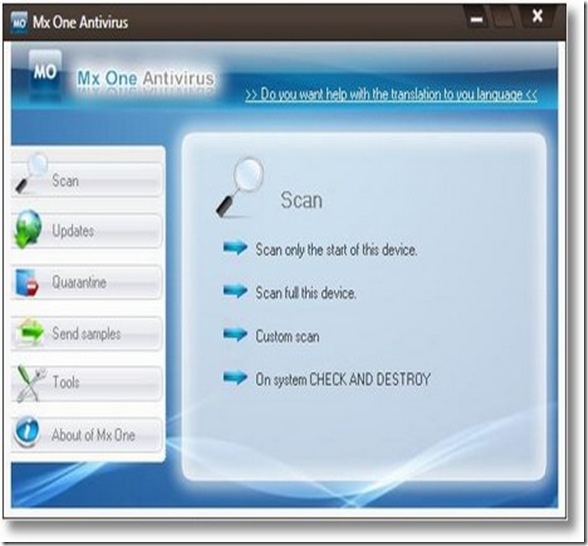
mxone-Usb Ani Virus

Mx One Antivirus 4.0 is a free antivirus for your USB pen drive, iPod, mp4 and mp3 players, memoirs M2, SD, micro SD, and many more USB-based storage devices. It protects your USB drives against virus, trojans, worms, spyware, hacking tools, and software risks. It also quarantines suspicious and infected files for deletion purpose.

The installation file is 1.4 mb. You need roughly 1mb of free space reserved on your PC or removable media for this software. You can install either into your PC or your USB flash drive or both better protection.

With this free antivirus for pen drive the question that comes in one’s mind would probably if this antivirus gets to work well with antivirus that is already installed in our pc? Fortunately, it is compatible with any antivirus resident like Nod 32, Kaspersky, Bit Defender, AVG, Norton, Panda, Avast, Avira Antivir.

The key aspect of Mx One Antivirus 4.0 is it provides real-time protection. Check and Destroy system detects and removes all viruses that attempt to infect our USB device while connected to infected PC even for unknown viruses. On the other hand, Guardian system protects our PC from viruses that come from infected USB devices. Always update the signature file periodically to prevent new virus threat.

Download Mx One Antivirus 4.0 (1.4mb, zipped) |

If you enjoyed this post, make sure you subscribe to my  RSS Feeds !!

If you enjoyed this post, make sure you subscribe to my E-NewsLetter !!

Posted By: KirubaKaran
Microsoft Certified Professional

Microsoft’s BING Is A Disease in Chinese

Chinese, as a character-based language is obviously tricky to translate into English. But following today’s launch of Microsoft’s new oddly-named search engine, Bing, the world wants to know what it means. We have an answer.

While you might associate “Bing” with the Chinese flatbread, or a number of other things that Wired broke down. We were sent perhaps the ultimate translation in the form of a fortune cookie that just happened to pop up after someone’s dinner tonight. One translation for “Bing” is apparently “disease.” Some more digging on the web indicates this as well.

So while that is slightly less subtle than Microsoft’s former search property, live, spelling “evil” backwards, it’s another interesting name choice by Microsoft. I’d hope they didn’t plant the Bing definition in that fortune cookie as part of its elaborate $100 million marketing campaign — though, come to think of it, that might not be a bad play.

bing Disease

Who Knows This may be the Fortune of Microsoft.

If you enjoyed this post, make sure you subscribe to my  RSS Feeds !!

If you enjoyed this post, make sure you subscribe to my E-NewsLetter !!

Posted By: KirubaKaran
Microsoft Certified Professional

Google Wave Is Really Cool

 Google Wave

Google announced today a new, experimental idea aiming to reshape the future of communication on the web. It's called Wave, and if you believe its developer, it's "what email would look like if it were invented today." It's also going to be totally open source. Intrigued?

Primarily, Wave is about improving real-time communication on the web. I've been waiting all day for Google to upload the video promised on the Wave homepage, but since it's still not there, here's the skinny from Google's mouth:

What is a wave?

A wave is equal parts conversation and document. People can communicate and work together with richly formatted text, photos, videos, maps, and more.

A wave is shared. Any participant can reply anywhere in the message, edit the content and add participants at any point in the process. Then playback lets anyone rewind the wave to see who said what and when.

A wave is live. With live transmission as you type, participants on a wave can have faster conversations, see edits and interact with extensions in real-time.


Pretty broad, right? Wave is clearly something we'll need to see in action and, even better, use before we completely understand how it works. Like email, Wave has been developed as a standard that will be able to run on any server, so it won't belong to Google. Anyone will be able to run their own "wave," and that wave can compete with Google or do whatever it wants to. But since it's created as a standard protocol, different waves can talk to and understand each other.

Google Mail

This addresses an issue that I (and many others much smarter than me) have had with Twitter—namely that it lives on one company's servers, and your information is subject to whatever that company wants to do with it. RSS, email, and IM work using standard protocols that anyone can take advantage of, and since they use standards, I can, for example, send an email from Gmail to someone using Yahoo Mail and know that they'll be able to read it without any problems.

Tech news weblog Tech Crunch has a very detailed rundown of Wave (linked below) and the directions Google has taken it so far (it's still incredibly young), but Wave is also very intriguing in the whole future-of-the-web way. It could amount to nothing, but considering the popularity and direction of Twitter and Facebook, the idea of a protocol that turns a similar sort of communication into an open standard sounds very promising.

Wave isn't available in any practical sense to you and me right now, and much of the technology behind Wave requires HTML 5 updates that we won't see completely implemented in most browsers for at least a little while, but you can sign up for Google Wave updates if you're eager to stay updated on any new developments.

Google Wave [via Tech Crunch]

If you enjoyed this post, make sure you subscribe to my  RSS Feeds !!

If you enjoyed this post, make sure you subscribe to my E-NewsLetter !!

Posted By: KirubaKaran
Microsoft Certified Professional

Microsoft Touch Pack

While we’ve been working on bringing natural user interface to you in many Microsoft products, we first introduced multi-touch in Microsoft Surface. Since then, the Windows and Surface development teams have been collaborating closely on bringing multi-touch to Windows, and last year demoed a few applications they created to run on Windows 7. Today, we thought it would be fitting on this “anniversary” of first talking about Windows Touch to introduce the Microsoft Touch Pack for Windows 7.

While touch is built into the “DNA” of Windows 7, something that was talked about in the Touching Windows 7 blog post on the E7 Blog, we thought it would be fun to give you some applications that show what’s possible with this new way to interact with your PC. The Microsoft Touch Pack for Windows 7 is a set of six multi-touch optimized applications and games that are designed to truly showcase the capabilities of Windows Touch in Windows 7. It consists of 3 casual games, and 3 Microsoft Surface applications that have been created for Windows 7.

Let’s take a closer look at what’s in the Microsoft Touch Pack for Windows 7

Microsoft Surface Globe

Microsoft Surface Globe pretty much puts the whole world in your hands (well, kind of!). It uses the Virtual Earth 3D engine to display a 3D version of the world. Using multi-touch, you can navigate to different regions, get local information, and “pin” your favorite locations. You can even “fly” around 3D models of buildings in some cities. The Microsoft Surface Globe was one of the apps Julie Larson-Green demoed at last year’s D: All Things Digital conference. To see the Microsoft Surface Globe app in action – take a look at this video.

Microsoft Surface Collage

Take your favorite digital photos and arrange and resize them using only your fingertips with Microsoft Surface Collage! Once you have your photos in an arrangement you like, it’s simple to save your collage and make it your desktop background. I’ve made a whole series of backgrounds and cycle through them with the desktop slideshow.

Microsoft Surface Lagoon

Microsoft Surface Lagoon is a screensaver that you can interact with using multi-touch. It recreates the natural environment of water and schooling fish. It is really relaxing to run your fingers through the “water” and hold your finger down and watch the fish gather around.

Microsoft Blackboard

Solve a puzzle game of physics, called Microsoft Blackboard, by creating a nifty machine on a virtual blackboard. Use gestures to rotate and resize gears, fans, seesaws and more to move balloons and balls toward the light bulbs - and victory.

Microsoft Rebound

Use your fingers to propel a ball and annihilate your opponent in Microsoft Rebound. Play against the computer or challenge a friend and battle it out in the electrified court to see who the champion is.

Microsoft Garden Pond

Finally, with Microsoft Garden Pond, you can guide your origami creations to peaceful areas on the pond or direct them with gestures to complete goals that have been set for you. Gently move the origami by making ripples in the water.

In order to use the Microsoft Touch Pack for Windows 7 – you’ll need a Windows 7 PC that supports multi-touch. The Microsoft Touch Pack for Windows 7 will be available to PC makers (OEMs) who will have the option to pre-install some, none, or all of the applications available in the Microsoft Touch Pack for Windows 7 on PCs designed for Windows Touch (PCs that meet the logo requirements for Windows Touch) – so you should start to see these applications showing up on some touch PCs around the time Windows 7 is made broadly available. After general availability of Windows 7, we will look at making the Microsoft Touch Pack for Windows 7 even more broadly available based on feedback from customers and partners.

The Microsoft Touch Pack for Windows 7 is a great example of immersive experiences software developers can create for Windows 7 and multi-touch. We thought now would be a good time to share what some of the team has been working on – and give you folks a glimpse into what’s possible – and we look forward to continuing this conversation as the touch community grows.

If you enjoyed this post, make sure you subscribe to my  RSS Feeds !!

If you enjoyed this post, make sure you subscribe to my E-NewsLetter !!

Posted By: KirubaKaran
Microsoft Certified Professional

Web Design’s That I Liked.. Check It Out…

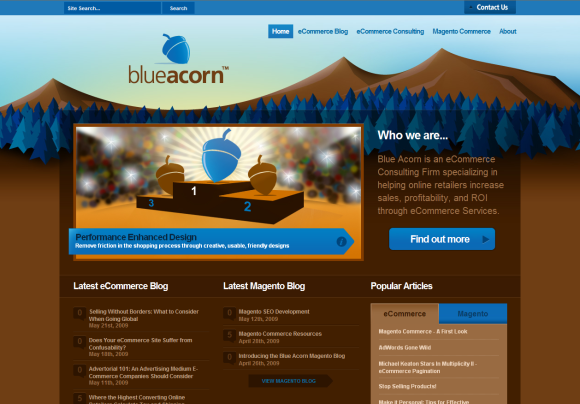
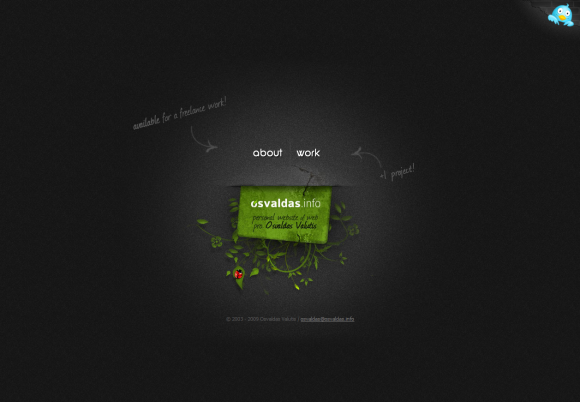
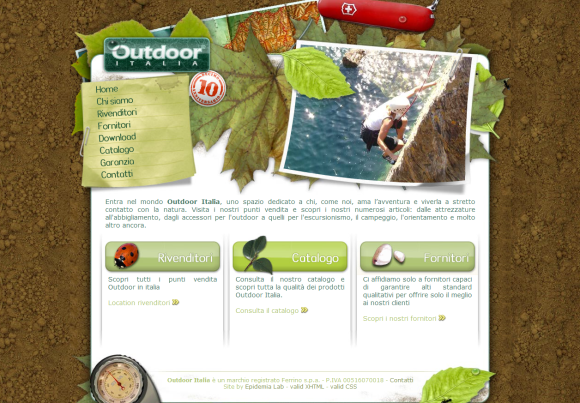
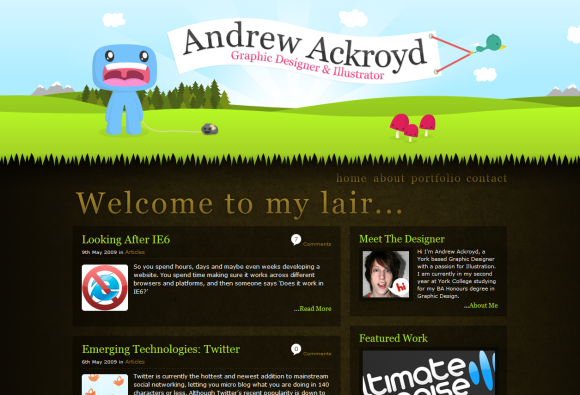
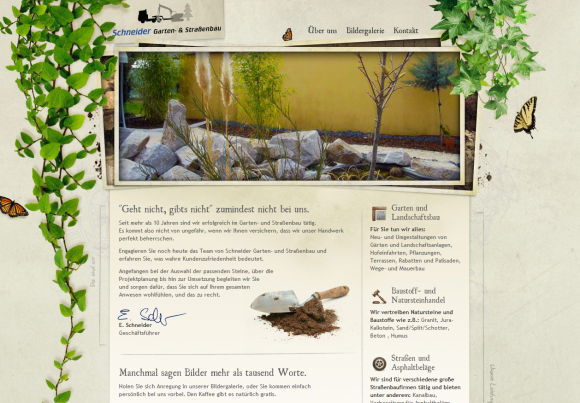
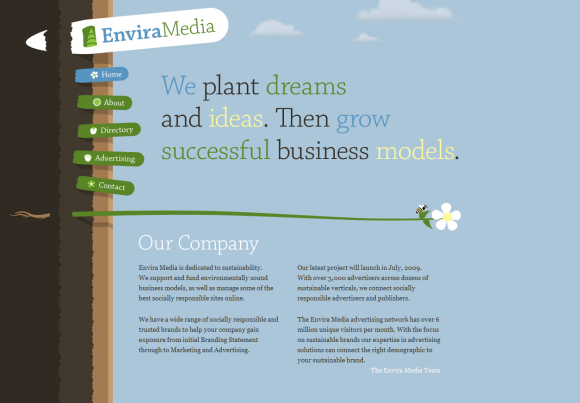
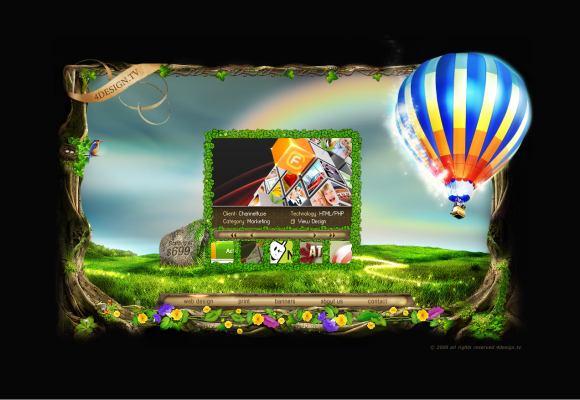
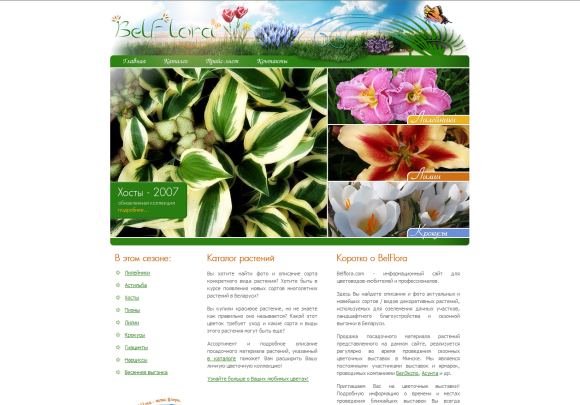
You will find a lot of great web sites using eco and nature based website designs throughout internet. Incorporating nature elements in your design makes the site more colorful, attractive, and cool and gives it a natural feel.
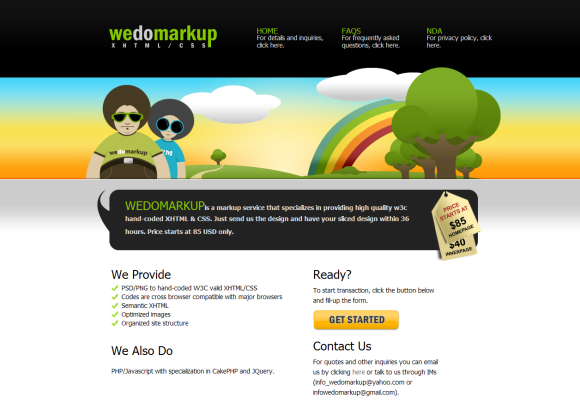
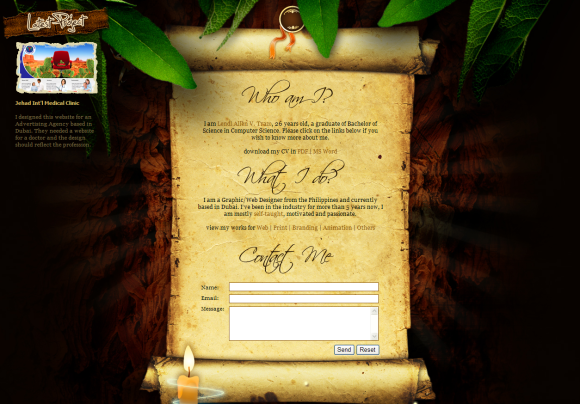
Incorporating nature elements, like clouds, flowers, trees, mountains, water, sea and a lot of other natural elements needs great skills and expertise, as you all know. Below is a great selection of 50 nature based website designs that are gorgeous in their appearance and design.
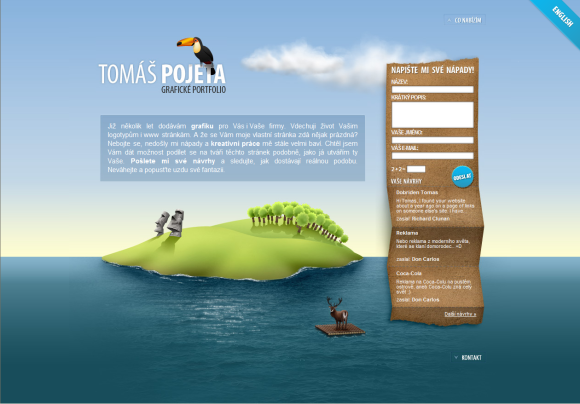
www.pojeta.cz

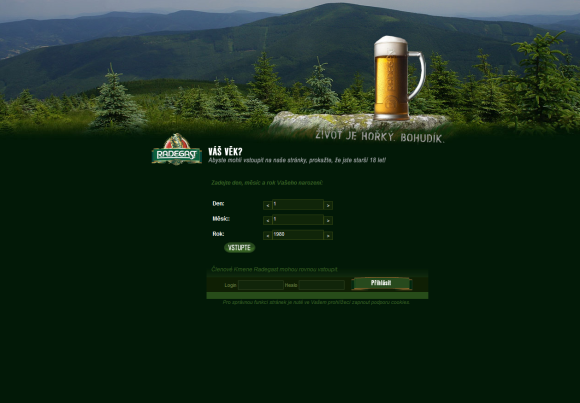
www.radegast.cz

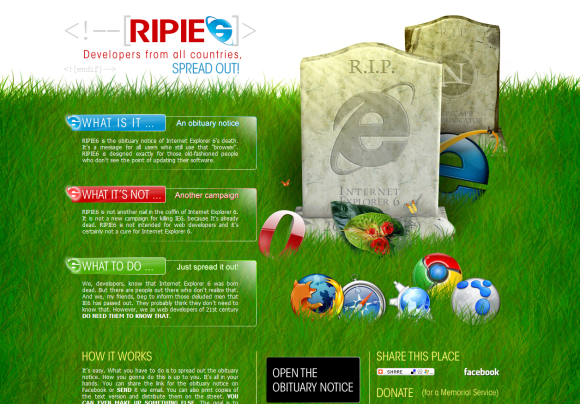
www.ripie6.com

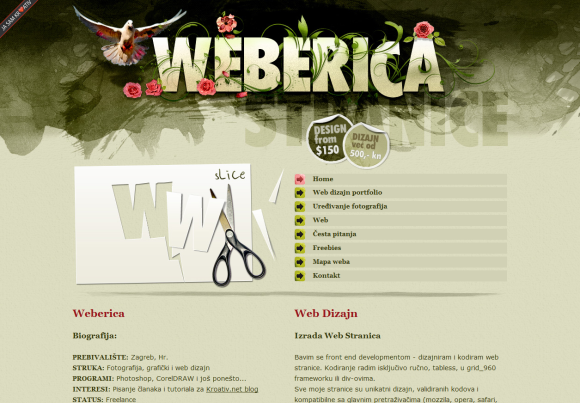
www.weberica.net

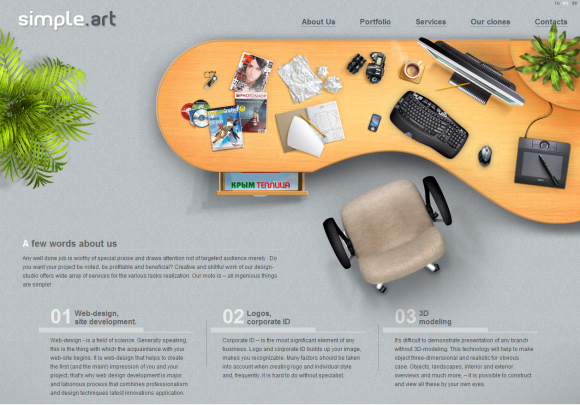
www.simpleart.com.ua

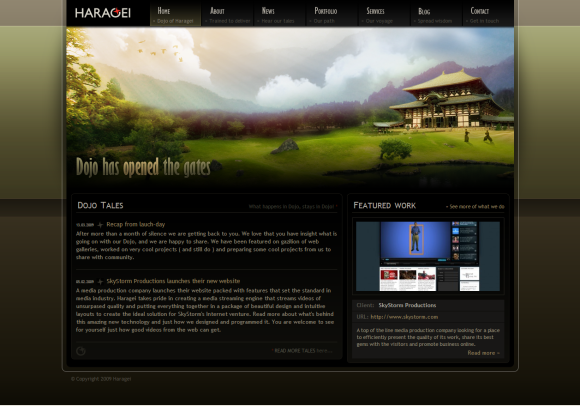
www.haragei.com

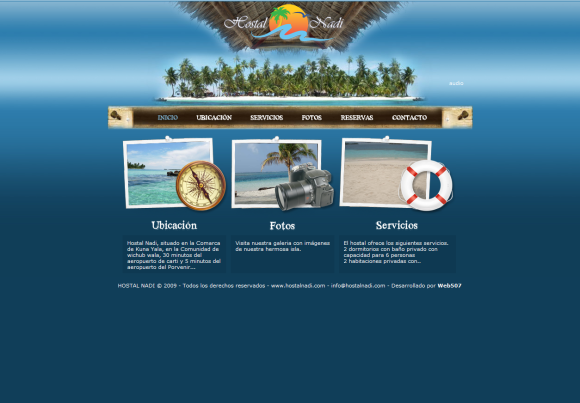
www.hostalnadi.com

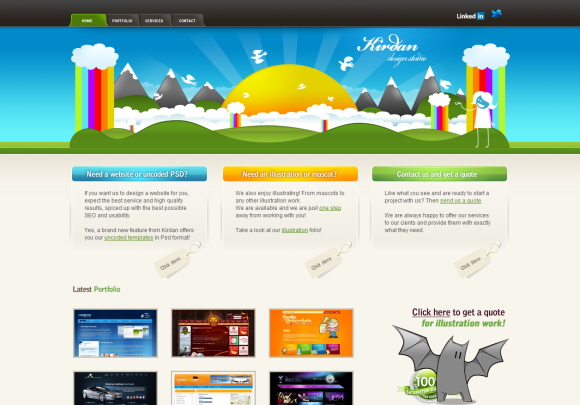
www.kirdan.com

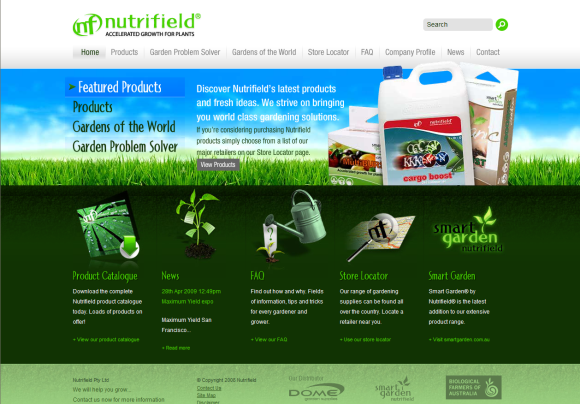
www.nutrifield.com.au

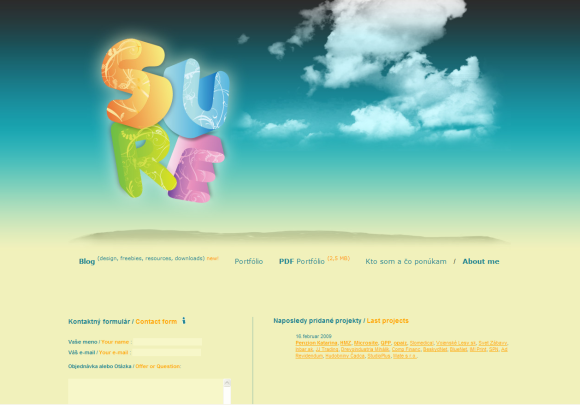
www.sure.sk

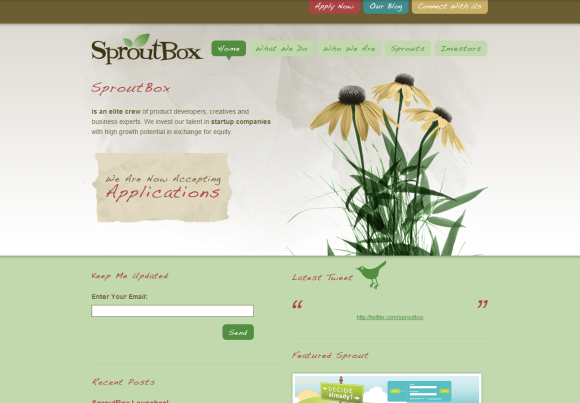
www.sproutbox.com

www.studio7designs.com

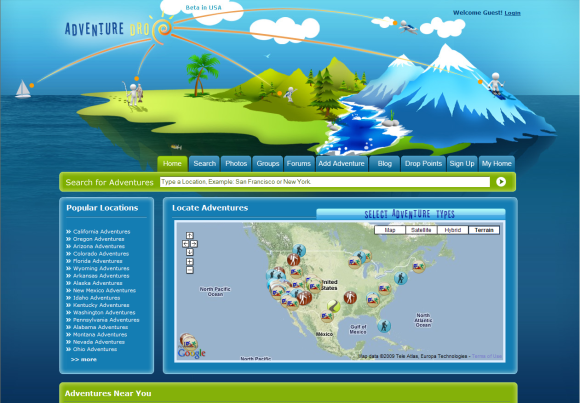
www.adventuredrop.com

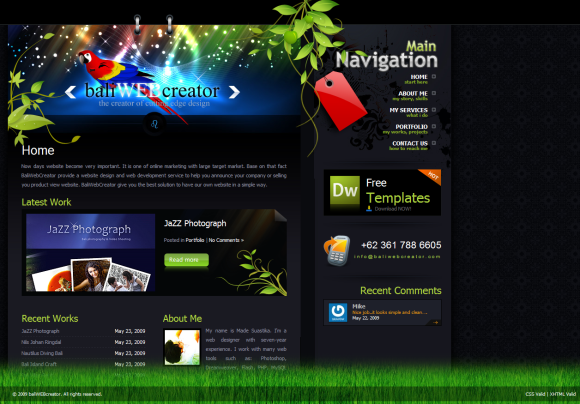
www.baliwebcreator.com

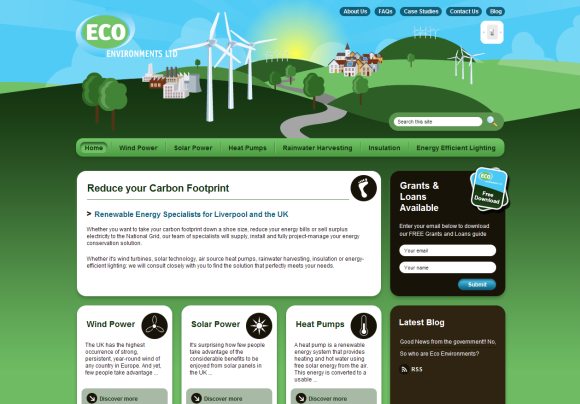
www.eco-environments.co.uk

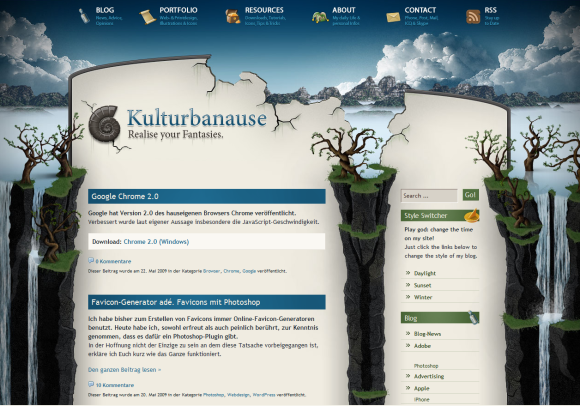
www.kulturbanause.de

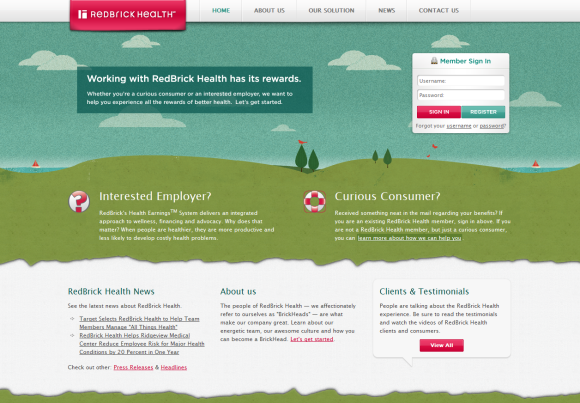
www.redbrickhealth.com

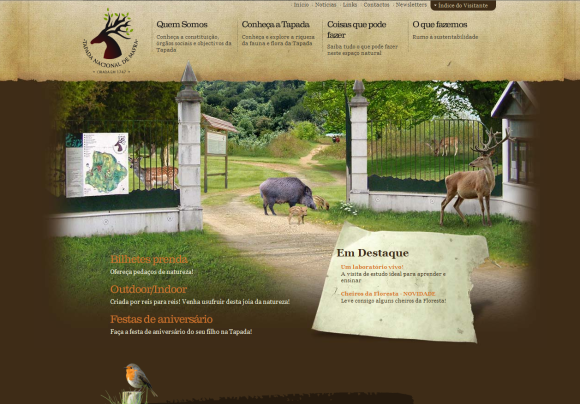
www.tapadademafra.pt

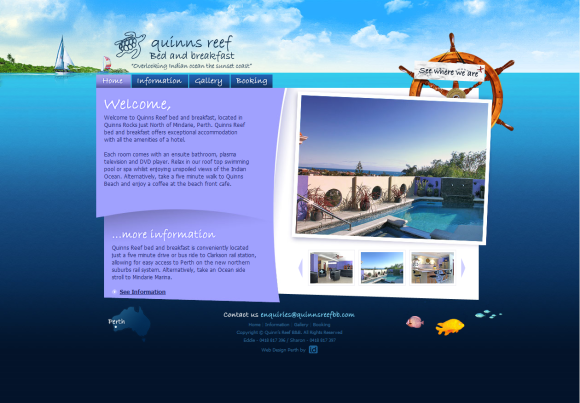
www.quinnsreefbb.com.au

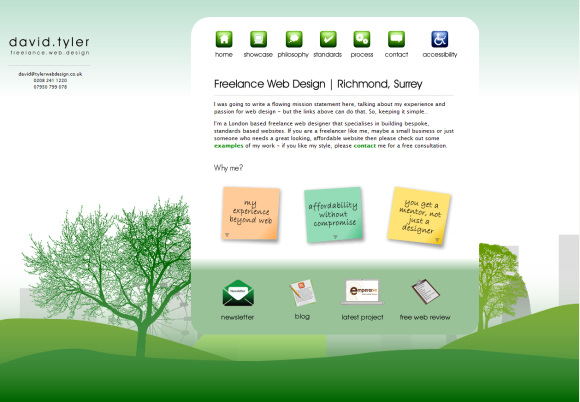
www.tylerwebdesign.co.uk

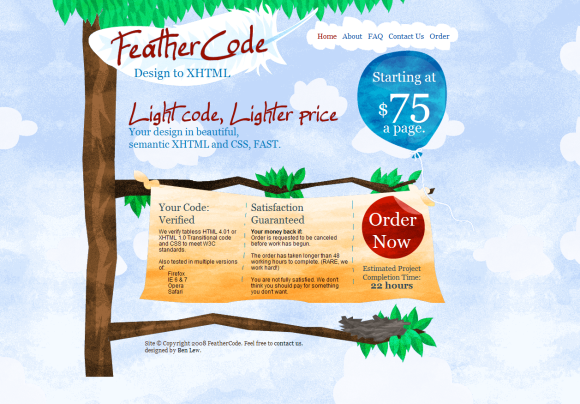
www.feathercode.com

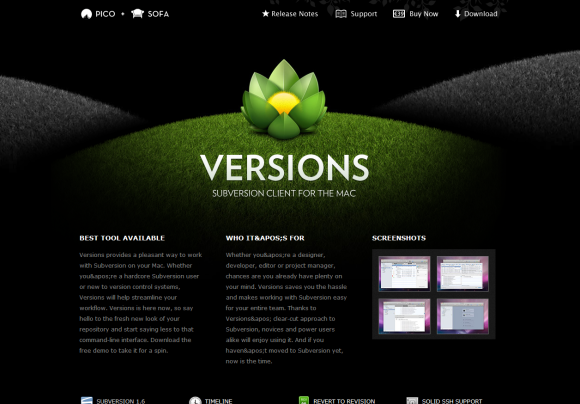
www.versionapp.com

www.vivamaria-zakopane.com.pl

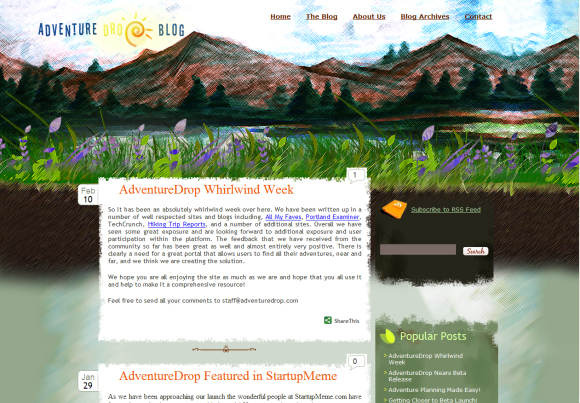
www.adventuredrop.com/Blog/

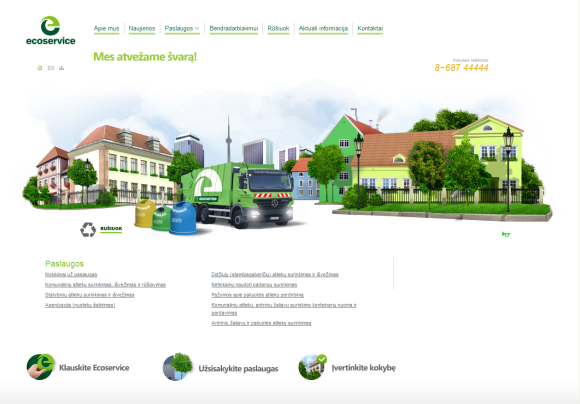
www.ecoservice.lt

www.blueacorn.com

www.wedomarkup.com

www.lendlallenvtrazo.com

www.osvaldas.info

www.outdooritalia.it

www.andrewackroyd.com

www.darasgarden.com

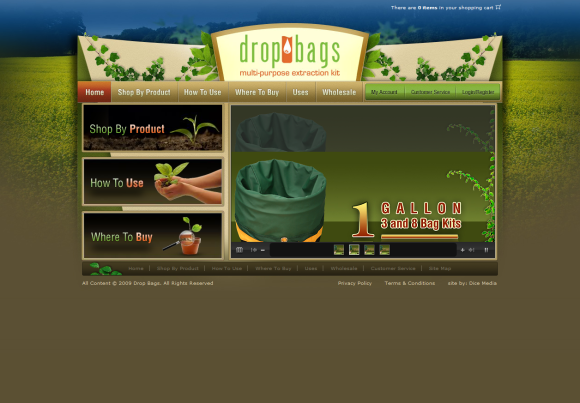
www.dropbags.com

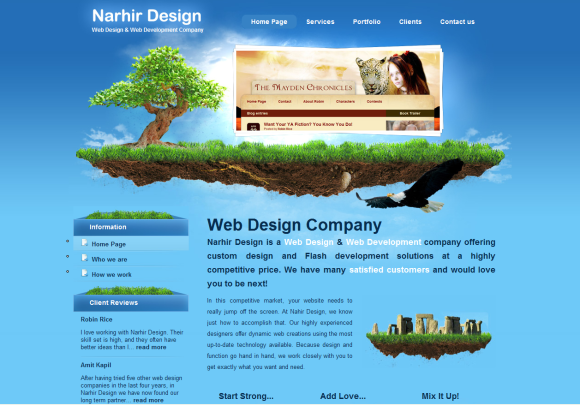
www.narhir.com

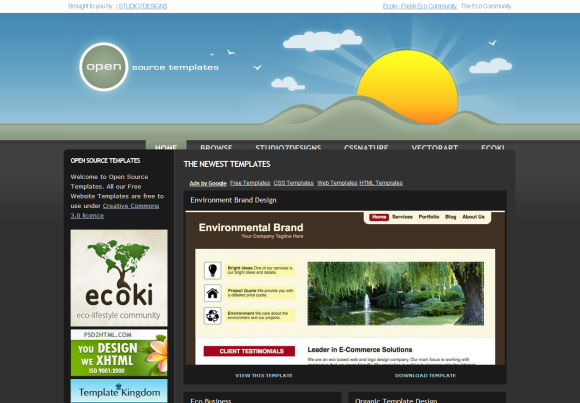
www.opensourcetemplates.org

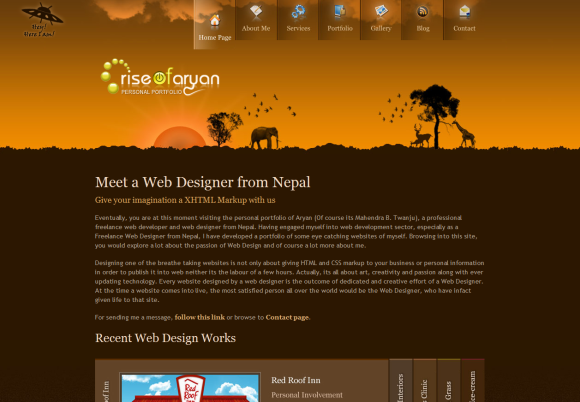
www.riseofaryan.com

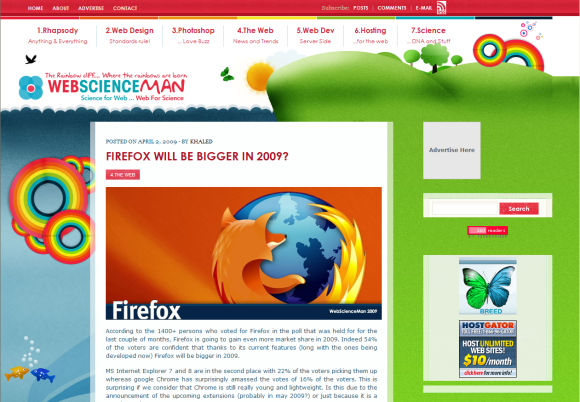
www.webscienceman.com

www.webdesignbeach.com

www.biofoolish.com

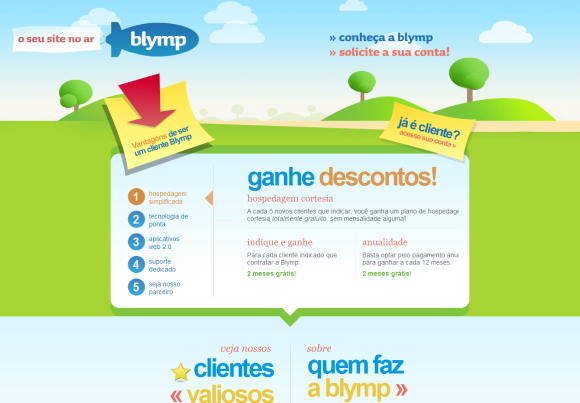
www.blymp.com

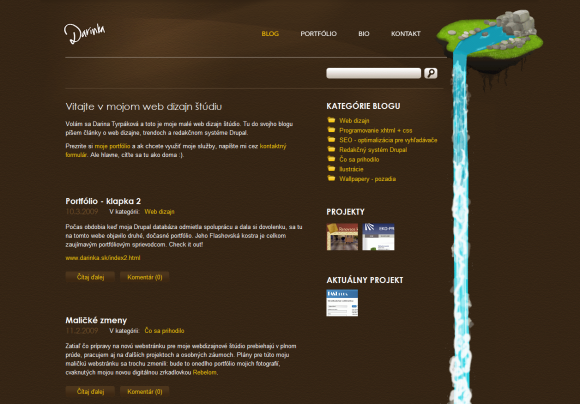
www.darinka.sk

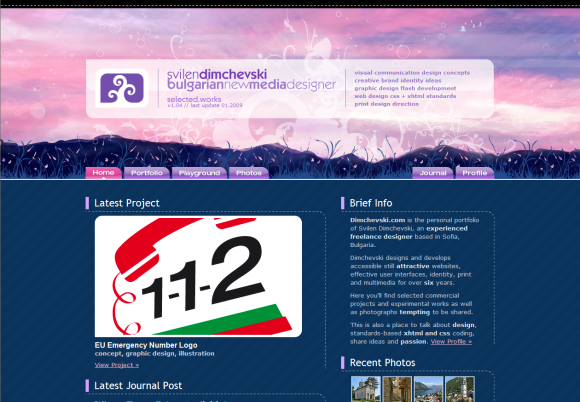
www.dimchevski.com

www.e-schneider-garten.de

www.enviramedia.com

www.4design.com

www.belflora.com

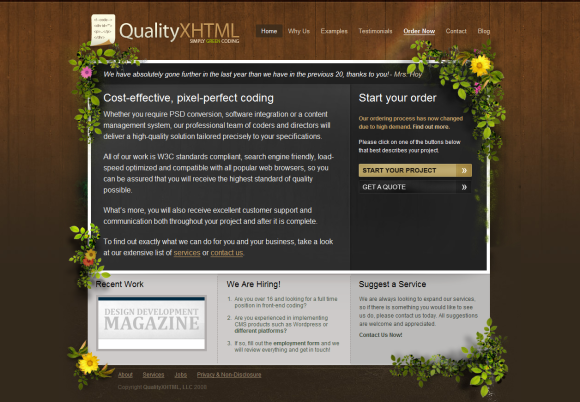
www.qualityxhtml.com

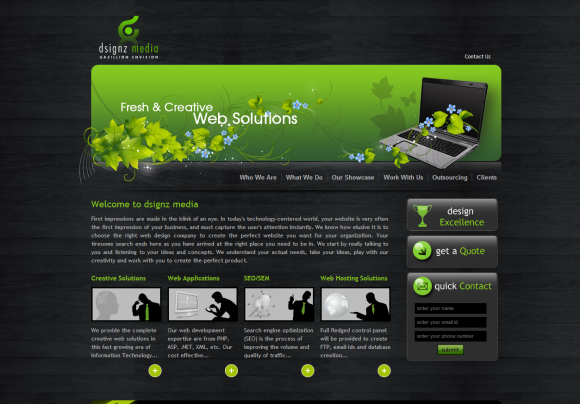
www.dsignzmedia.com

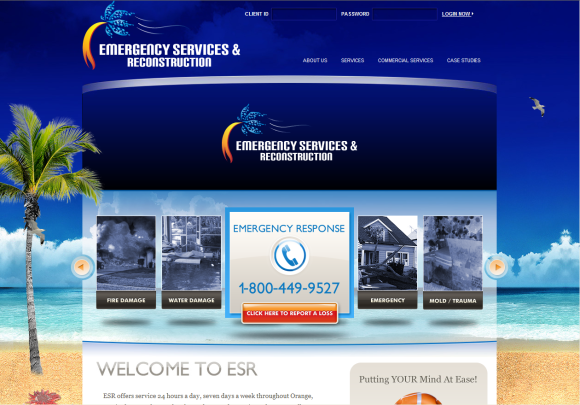
www.esrfl.com

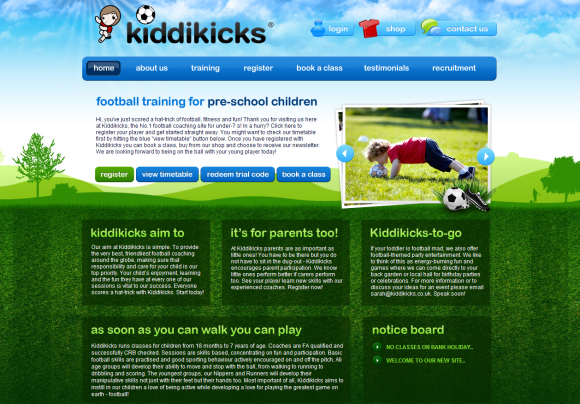
www.kiddikicks.co.uk

If you enjoyed this post, make sure you subscribe to my  RSS Feeds !!

If you enjoyed this post, make sure you subscribe to my E-NewsLetter !!

Posted By: KirubaKaran
Microsoft Certified Professional